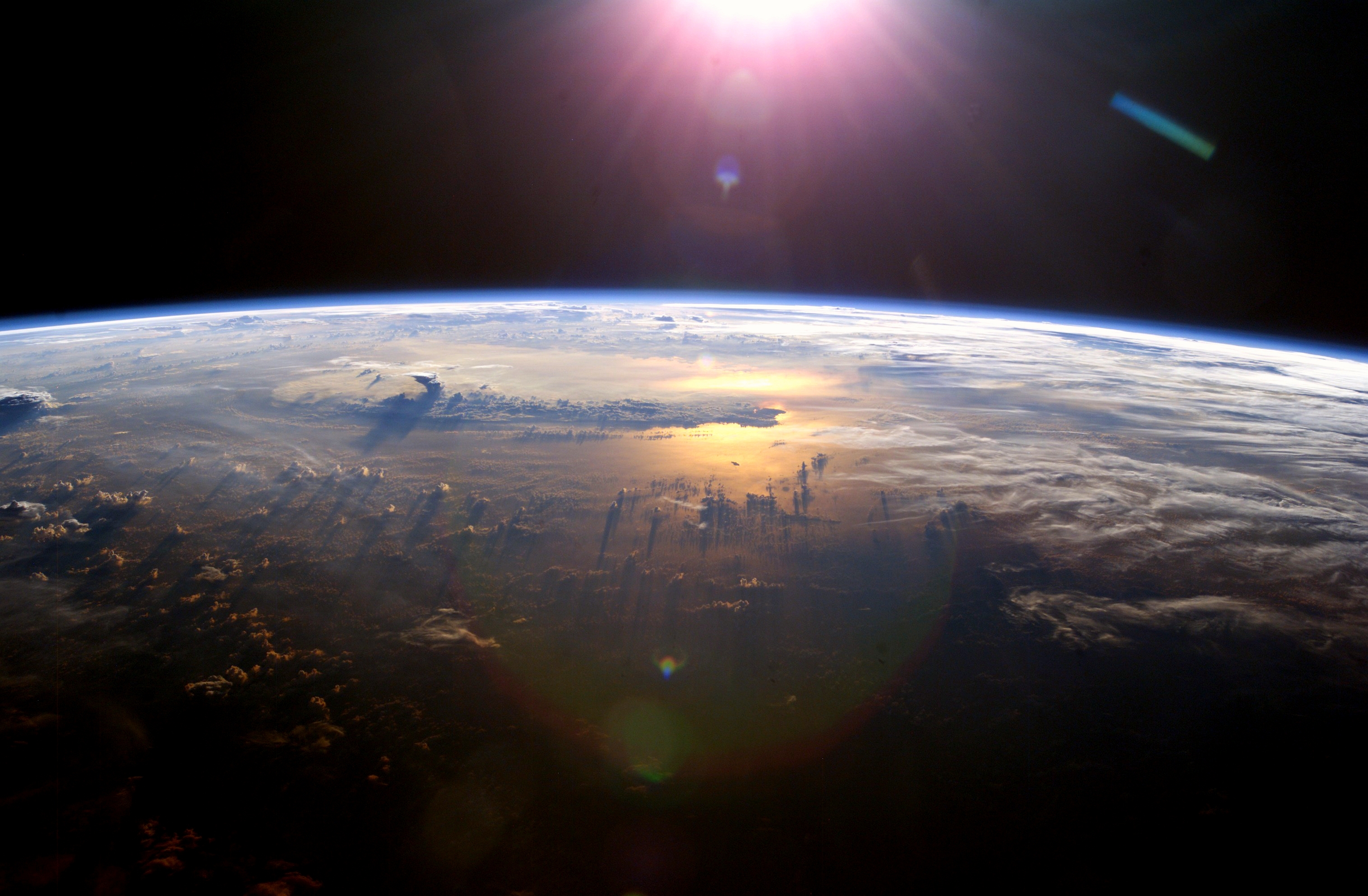
With the complex terrain, ocean, clouds and atmospheres you’d think that creating a realistic earth would be quite hard to create… especially in Blender. But with the right know how it’s actually pretty easy.
In this tutorial we will be using several textures from NASA and some careful tweaking of materials to create realistic shaders.
Finished Result
In this tutorial you will discover how to:
Use color, bump and specular maps
Add clouds and atmosphere
Use material nodes to create city lights in the darkness
Hope you found this tutorial useful. As always, if you make something cool, post it in the comments below!
Very soon I will be releasing a new training product called The Nature Academy (sneak peak), so to prepare for the event, the next few weeks on Blender Guru will be focused heavily on nature. Stay tuned :)




No comments:
Post a Comment